Best Content Calendar Tools (2025): Plan and Publish Consistently
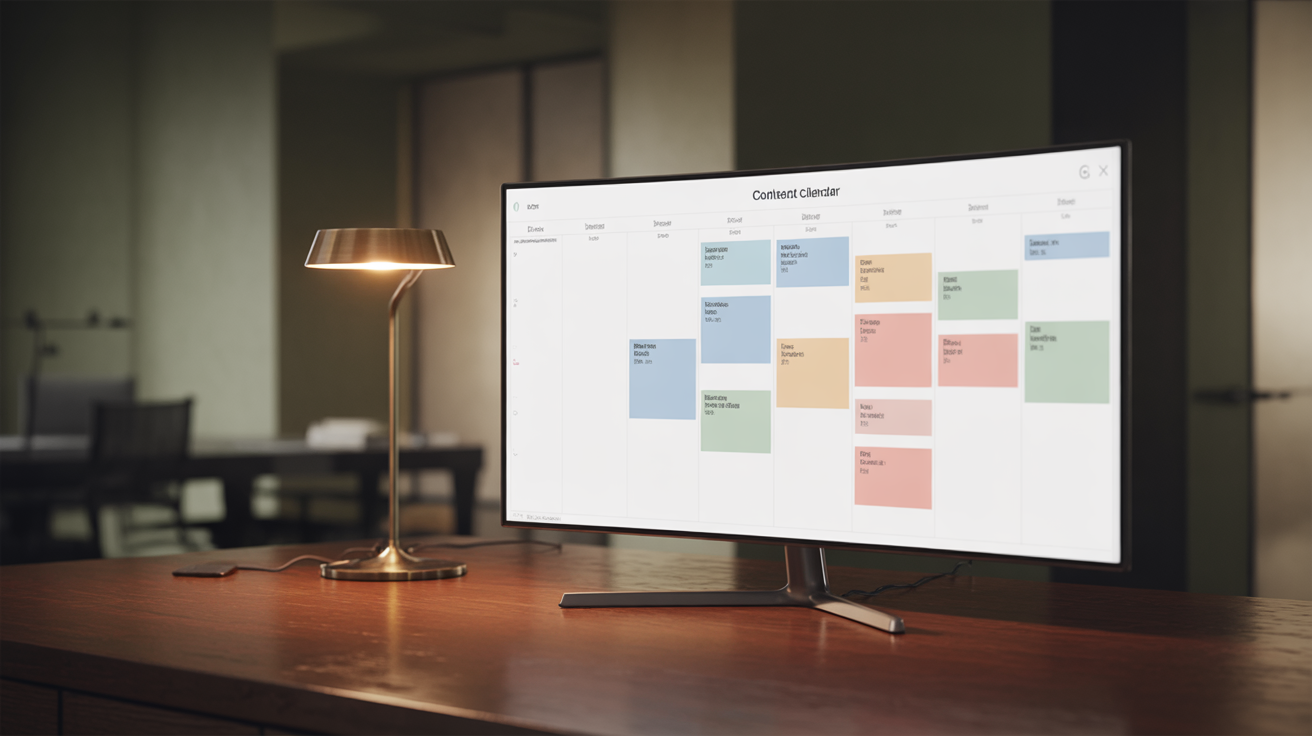
Consistency is one of the hardest parts of content marketing. A content calendar makes it easier—but only if you use one that fits how you work.
Some people need simple. Others need sophisticated. The best tool is the one you’ll actually use consistently, not the one with the most features.
Here’s a practical review of content calendar options, from free spreadsheets to full editorial platforms.
What Makes a Good Content Calendar
Before comparing tools, let’s define what we need:
Visibility: You should see what’s planned, what’s in progress, and what’s published at a glance.
Flexibility: The tool should adapt to your workflow, not force you into someone else’s.
Collaboration: If you work with others, they need access without friction.
Integration: It should connect with where you actually publish.
Simplicity: Complex tools that go unused are worthless.
Simple Options (Free or Cheap)
Google Sheets / Excel
Best for: Solo creators who want maximum simplicity
A spreadsheet is still a perfectly valid content calendar. Columns for date, title, status, keywords, notes. That’s it.
Strengths:
- Free
- No learning curve
- Completely customizable
- Easy to share
- Works offline
Weaknesses:
- No notifications or reminders
- Manual updating required
- No publishing integration
- Gets messy at scale
Best use case: Solo bloggers publishing 1-4 posts per month who want zero friction.
Template structure:
| Date | Title | Status | Keywords | Notes | Published URL |
|------|-------|--------|----------|-------|---------------|
Google Calendar
Best for: Visual planners who want to see content alongside other commitments
Using Google Calendar for content planning puts your publishing schedule in the same view as everything else.
Strengths:
- Free
- Already part of your workflow
- Reminders built in
- Easy to share
- Visual timeline view
Weaknesses:
- Limited metadata per item
- Not designed for content workflows
- No status tracking
- Gets cluttered with many items
Best use case: Solo creators who want publishing dates visible in their daily calendar.
Notion
Best for: All-in-one workspace users
Notion’s database features make it a capable content calendar with multiple views (calendar, kanban, table, list).
Strengths:
- Flexible database with custom properties
- Multiple view options
- Templates for repeating content types
- Collaboration built in
- Free tier available
Weaknesses:
- Learning curve
- Can be slow
- Overkill if you just need a calendar
- No native publishing integration
Best use case: Teams already using Notion who want content planning in the same workspace.
A calendar keeps you consistent. Converting content is what matters. Get the free training to learn how to write posts that actually drive action.
Mid-Range Tools
Trello
Best for: Visual thinkers who like kanban boards
Trello’s board-based approach works well for content workflows: cards move from “Ideas” to “Writing” to “Editing” to “Published.”
Strengths:
- Visual kanban workflow
- Easy to learn
- Good free tier
- Power-ups for additional features
- Team collaboration
Weaknesses:
- Not calendar-focused (though calendar view exists)
- Limited without power-ups
- Can get messy with many cards
- Basic automation only
Best use case: Small teams who think in workflows and stages rather than dates.
Cost: Free (Business at $10/user/month)
Asana
Best for: Teams needing task management + content calendar
Asana offers more structured project management with calendar, timeline, and board views.
Strengths:
- Multiple view options
- Strong task management
- Good team features
- Automation capabilities
- Integrations with many tools
Weaknesses:
- Steeper learning curve
- Can feel heavy for simple needs
- Premium features require paid plans
- Not content-specific
Best use case: Teams managing content alongside other projects in a unified system.
Cost: Free basic (Premium at $11/user/month)
Airtable
Best for: Spreadsheet power users who want more
Airtable is a database-spreadsheet hybrid with calendar views, linking between tables, and more power than Google Sheets.
Strengths:
- Powerful database features
- Multiple views including calendar
- Great for complex content operations
- Templates available
- Good API and integrations
Weaknesses:
- Learning curve
- Can be overkill for simple needs
- Paid plans get expensive
- Not content-specific
Best use case: Content operations with multiple content types, channels, and team members needing relational data.
Cost: Free basic (Plus at $10/user/month)
Full Editorial Platforms
CoSchedule
Best for: Marketing teams wanting an integrated content hub
CoSchedule is built specifically for content marketing with calendar, workflow, and social scheduling in one platform.
Strengths:
- Purpose-built for content marketing
- Social scheduling included
- WordPress integration
- Team workflows
- Analytics
Weaknesses:
- Expensive
- May be overkill for small operations
- Learning curve
- Tied to their ecosystem
Best use case: Marketing teams publishing across blog and social who want one platform.
Cost: Starting at $29/month (higher tiers for teams)
ContentCal / Adobe Content Scheduler
Best for: Social-heavy content operations
ContentCal (now part of Adobe) focuses on social media content planning with approval workflows.
Strengths:
- Strong social media focus
- Approval workflows
- Visual content calendar
- Team collaboration
- Analytics
Weaknesses:
- Expensive
- Social-focused (blog is secondary)
- Part of Adobe ecosystem now
Best use case: Teams where social media content is primary and blog content is secondary.
Cost: Various plans, check current pricing
Monday.com
Best for: Teams wanting customizable work management
Monday.com is a flexible work OS that can be configured for content calendars with templates and automations.
Strengths:
- Highly customizable
- Multiple views
- Strong automation
- Good integrations
- Visual and colorful
Weaknesses:
- Expensive
- Not content-specific
- Can be overwhelming
- Requires setup
Best use case: Organizations already using Monday.com for other work who want content in the same system.
Cost: Starting at $8/user/month (minimum 3 users)
WordPress-Specific Options
Editorial Calendar Plugin (Free)
Best for: WordPress users wanting simple drag-and-drop scheduling
A free plugin that adds a visual calendar to your WordPress dashboard. Drag posts between dates.
Strengths:
- Free
- Native WordPress integration
- Simple drag-and-drop
- See scheduled posts at a glance
Weaknesses:
- Basic features only
- No workflow stages
- WordPress only
- Limited collaboration
Best use case: Solo WordPress bloggers wanting to visualize their publishing schedule.
PublishPress
Best for: WordPress teams with editorial workflows
More robust editorial workflow management for WordPress with calendar, notifications, and content status tracking.
Strengths:
- Editorial workflow stages
- Team notifications
- Calendar view
- Content checklists
- Multiple WordPress plugins
Weaknesses:
- Premium features require payment
- WordPress only
- Can be complex to configure
Best use case: WordPress teams with multiple authors needing approval workflows.
Cost: Free basic (Pro plans from $99/year)
How to Choose
Choose a spreadsheet when:
- You work solo
- You publish 1-4 times monthly
- You want zero learning curve
- You’re on a tight budget
Choose Notion/Trello/Asana when:
- You have a small team
- You want visual workflows
- You’re already using these tools
- You need collaboration features
Choose a full platform when:
- You have a larger team
- You publish frequently across channels
- You need approval workflows
- You have budget for specialized tools
Choose WordPress plugins when:
- WordPress is your only platform
- You want native integration
- You don’t need external collaboration
My Recommendation
For most bloggers and small teams:
- Start with Google Sheets or Notion. Simple, free, no commitment.
- Add complexity only when simple fails. Don’t over-tool early.
- The calendar isn’t the bottleneck. Writing good content consistently is.
The best content calendar is the one you actually maintain. A fancy tool you abandon after a month is worse than a simple spreadsheet you use every week.
A Simple Content Calendar Template
Whatever tool you choose, track these fields:
| Field | Purpose |
|---|---|
| Publish date | When it goes live |
| Title | What you’re writing |
| Status | Idea / Writing / Editing / Scheduled / Published |
| Target keyword | Primary SEO focus |
| Content type | Blog post, guide, case study, etc. |
| CTA | What action readers should take |
| Notes | Anything else relevant |
That’s enough structure for most operations. Add fields only when you need them.
Quick Comparison Table
| Tool | Best For | Starting Cost | Complexity |
|---|---|---|---|
| Google Sheets | Solo simplicity | Free | Low |
| Google Calendar | Visual timeline | Free | Low |
| Notion | All-in-one users | Free | Medium |
| Trello | Kanban workflows | Free | Low |
| Asana | Team task management | Free | Medium |
| Airtable | Power users | Free | Medium |
| CoSchedule | Marketing teams | $29/mo | High |
| Monday.com | Custom workflows | $8/user/mo | High |
The Bottom Line
Content calendars solve the consistency problem, not the quality problem.
A well-maintained calendar ensures you publish regularly. It doesn’t ensure you publish well. Focus on both.
Start simple. Use what you’ll actually maintain. Upgrade tools when simple genuinely isn’t enough—not before.
Ready to fill that calendar with content that converts? See the complete Blogs That Sell system—the methodology for posts worth publishing.
Or start with the free training to learn the fundamentals.

About the Author
John Fawkes is a veteran copywriter with over 15 years of experience helping businesses turn attention into action through clear, persuasive writing. He writes about copy, psychology, and what actually moves people to buy.
Want More Posts Like This?
Get the free training that shows you how to write blog posts that rank AND convert.
Get the Free TrainingContinue Reading
Best Blog Outline Tools (2025): Plan Posts That Convert
A practical review of tools for creating blog outlines. From AI-powered generators to simple templates, here's what actually helps you plan better posts.
Best AI Writing Tools for Blog Posts (2025)
A practical review of AI writing tools for bloggers. What they're actually good at, where they fall short, and how to use them without sacrificing quality.
How to Turn One Blog Post Into a Week of Content
Stop creating from scratch every day. Learn the system for repurposing one blog post into social posts, emails, videos, and more—without sounding repetitive or lazy.